
Invoice PDFs that match the invoice page
Your billing page already computes tax, currency and line items correctly. Render that page. Stop maintaining a second, divergent PDF template.
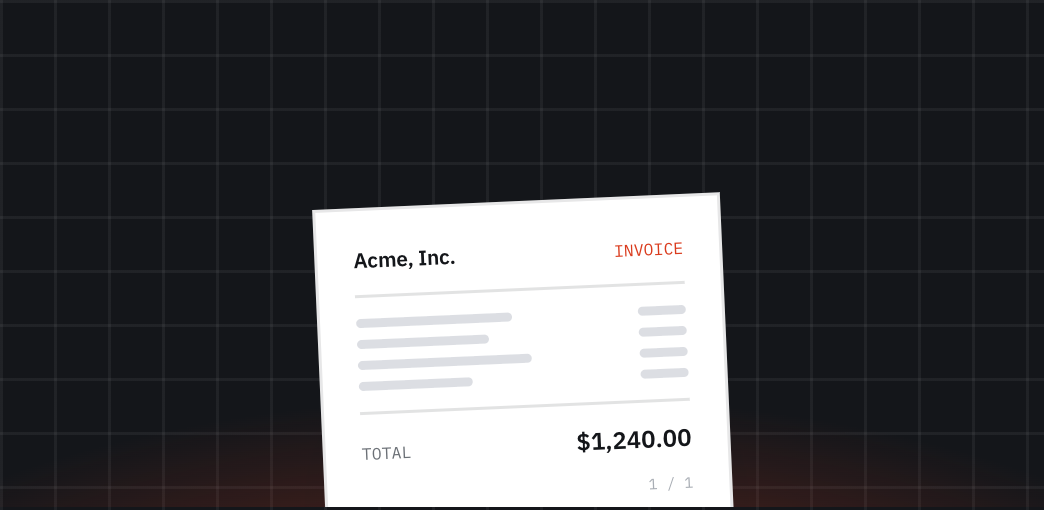
Why it goes wrong
Billing documents are the one place where a rendering bug becomes an accounting problem.
Two templates, one truth
The HTML invoice gets a VAT fix. The PDF template does not. Six weeks later an auditor finds both versions.
Totals split across pages
A long line-item table puts the total block alone on page three, with no header. Customers ask whether the invoice is complete.
The first of the month
Forty thousand invoices in one window. Your own renderer is sized for the average day, not for that hour.
Currency and script coverage
A Japanese company name renders as boxes because the container has no CJK font. Nobody notices until the customer replies.
The whole integration
Render a signed one-time URL on your own domain, repeat the invoice number on every page, wait for the total to appear, and store the file for seven years.
Sign a URL for the invoice so the renderer can reach it without making it public.
Wait for the total with a selector, so a slow tax call never produces a half-rendered invoice.
Repeat the header so page two still says which invoice it belongs to.
Store it with long retention and keep the returned checksum next to the invoice row.
Options that matter here
wait_for
Print only once the total is on screen. No more invoices ending in “—”.
header_html
The invoice number on every page, without touching your CSS.
POST /api/batch
The monthly run in chunks of 500, with per-job results.
retention
Keep the file as long as your accounting rules require, then let it expire.